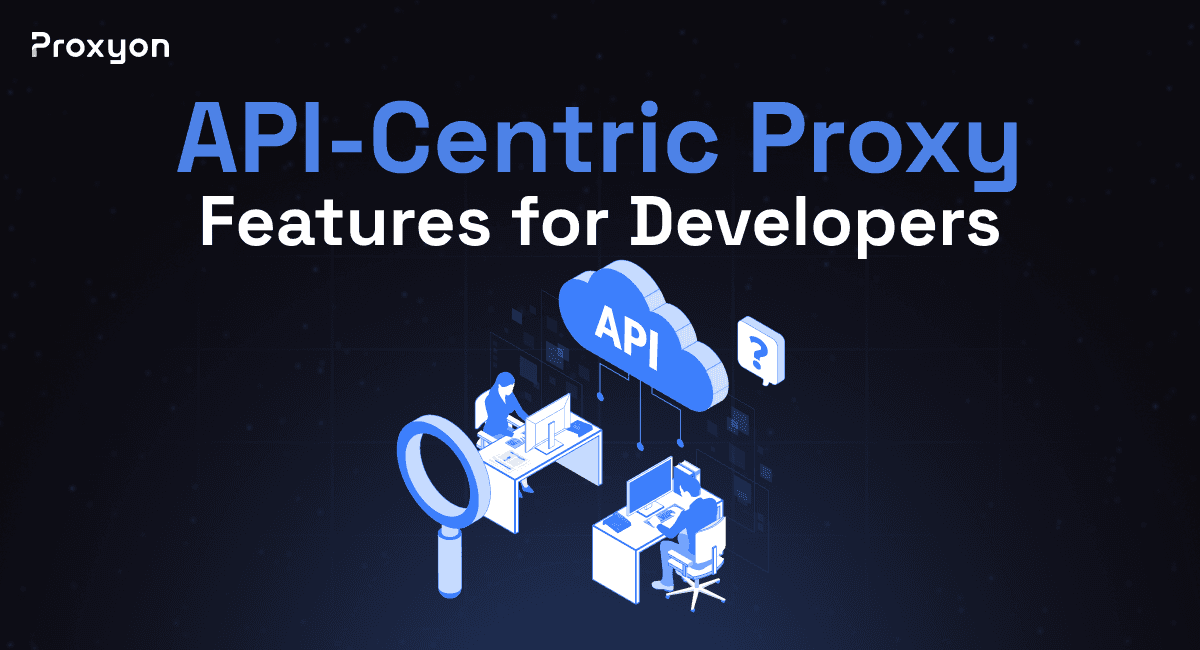
Most proxy services are built around a dashboard. You plug in credentials, pick a location, and that is about as far as the integration goes. For developers building scraping pipelines, automation tools, or data collection systems, that is not enough. You need programmatic control over rotation, geotargeting, session handling, and authentication without leaving your codebase to adjust anything manually. API-centric proxy features give you exactly that.
In this article, we'll explore what those features look like, why they matter, and how to make the most of them in your projects.
How to Authenticate and Connect via API

Authentication works through a single endpoint you configure once and reuse across your entire codebase. No SDK required, no extra dependencies. Here is a basic connection in Python using the requests library:
1import requests
2
3proxies = {
4    "http": "http://username:password@gate.proxyon.io:10000",
5    "https": "http://username:password@gate.proxyon.io:10000"
6}
7
8response = requests.get("https://target-site.com", proxies=proxies)
9print(response.text)
You can switch between residential and datacenter pools by changing the endpoint port, without touching anything else. The same credential format works in Node.js, Go, or any language that follows the standard proxy URL scheme.
Also Read: How to Use Proxies With Python Requests
Controlling Rotation and Sessions Programmatically

Rotation behavior is controlled through parameters appended directly to your username string. The default mode rotates the IP on every request. To hold the same IP across multiple requests, you add a session ID to your credentials:
1proxies = {
2    "http": "http://username-session-abc123:password@gate.proxyon.io:10000",
3    "https": "http://username-session-abc123:password@gate.proxyon.io:10000"
4}
Any string you use as a session ID becomes a unique sticky IP. Two different session IDs in the same script mean two different IPs running in parallel, useful when scraping multiple targets simultaneously. For automated pipelines, generate session IDs dynamically on each run for fresh IPs with no manual intervention. No separate API call is needed to start or end a session.
Geotargeting and Header Customization Through Code

Geotargeting uses the same parameter pattern. Append a country code to your username, and Proxyon routes the request through an IP in that location:
1proxies = {
2    "http": "http://username-country-us:password@gate.proxyon.io:10000",
3    "https": "http://username-country-us:password@gate.proxyon.io:10000"
4}
Parameters combine cleanly. A sticky session with country targeting looks like username-session-abc123-country-us, all resolved at the connection level. On the header side, your HTTP client handles everything directly:
1headers = {
2    "User-Agent": "Mozilla/5.0 (Windows NT 10.0; Win64; x64)",
3    "Accept-Language": "en-US,en;q=0.9"
4}
5
6response = requests.get("https://target-site.com", proxies=proxies, headers=headers)
Matching your IP location with the correct locale headers significantly reduces detection risk, since both signals align the way they would for a real user.
Also Read: How to Use Datacenter Proxies for SEO Monitoring
Final Thoughts
Proxyon's API-centric setup keeps everything inside your code. Authentication is a single endpoint, rotation and sessions are credential parameters, and geotargeting pairs with header control to keep requests looking legitimate. No dashboard dependency once you are set up. Residential proxies are available from $1.75/GB with no subscription required at Proxyon.